BBEdit Product Tour
Exercise Total Control Over Text | Work Your Way | Command Files, Folders, Disks, and Servers | Enjoy Textual Omnipotence | Live Up To Standards | Integrate Smoothly Into Existing Workflows
Integrate Smoothly Into Existing Workflows
- use BBEdit’s legendary text processing power in any Automator Workflow
- manage code revisions and access with integrated Source Control Management, including support for Subversion and Git
- utilize advanced Unix scripting on macOS with built-in Perl, Python, Ruby, and shell scripting support
- transparently reads and writes DOS/Windows, Unix, and Unicode (UTF-8 and UTF-16) text files for maximum cross-platform compatibility
- invoke BBEdit’s Find Differences from the command-line and from within your favorite Source Control Management system with
bbdiff - Run multi-file searches from the command line with
bbfind - use Shell Worksheets to combine the power of BBEdit with the power of the shell
(Tip: click each image below to see it full size in a new browser tab.)
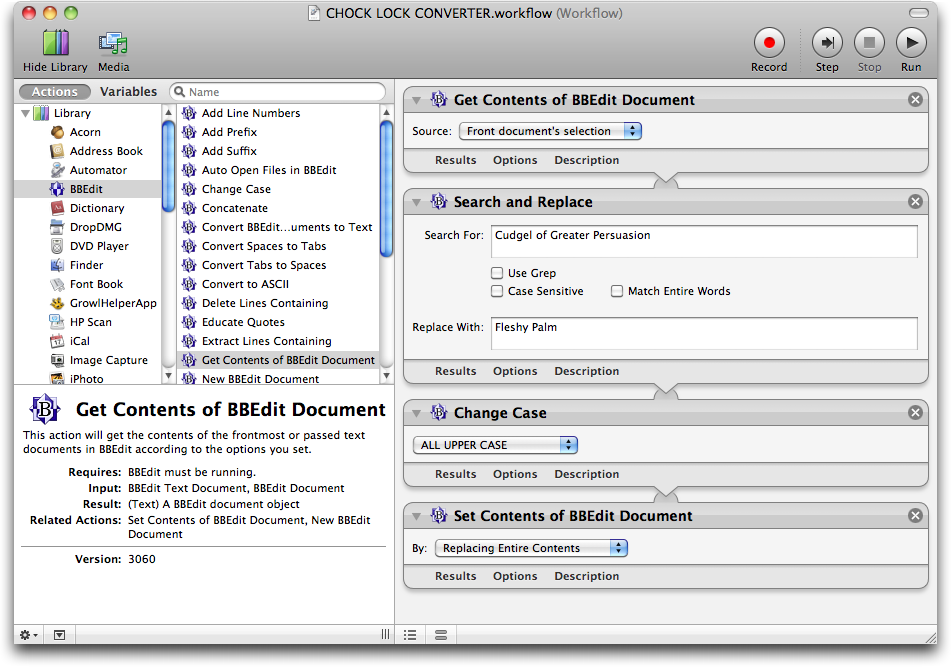
Automator Support
BBEdit includes a set of Automator actions that mirrors its internal text transformations; most of what is on the Text menu is available to Automator, as well as a “Replace All” action for search and replace; and a few supporting actions to smooth the process of getting text into and out of open BBEdit documents. No scripting required!
Enhanced SCM support
Direct integration with Git and Subversion: BBEdit’s Git and Subversion menus include all of the commands that you need for common operations. In addition, when committing from within BBEdit, a handy submission form makes it easy to write commit comments.

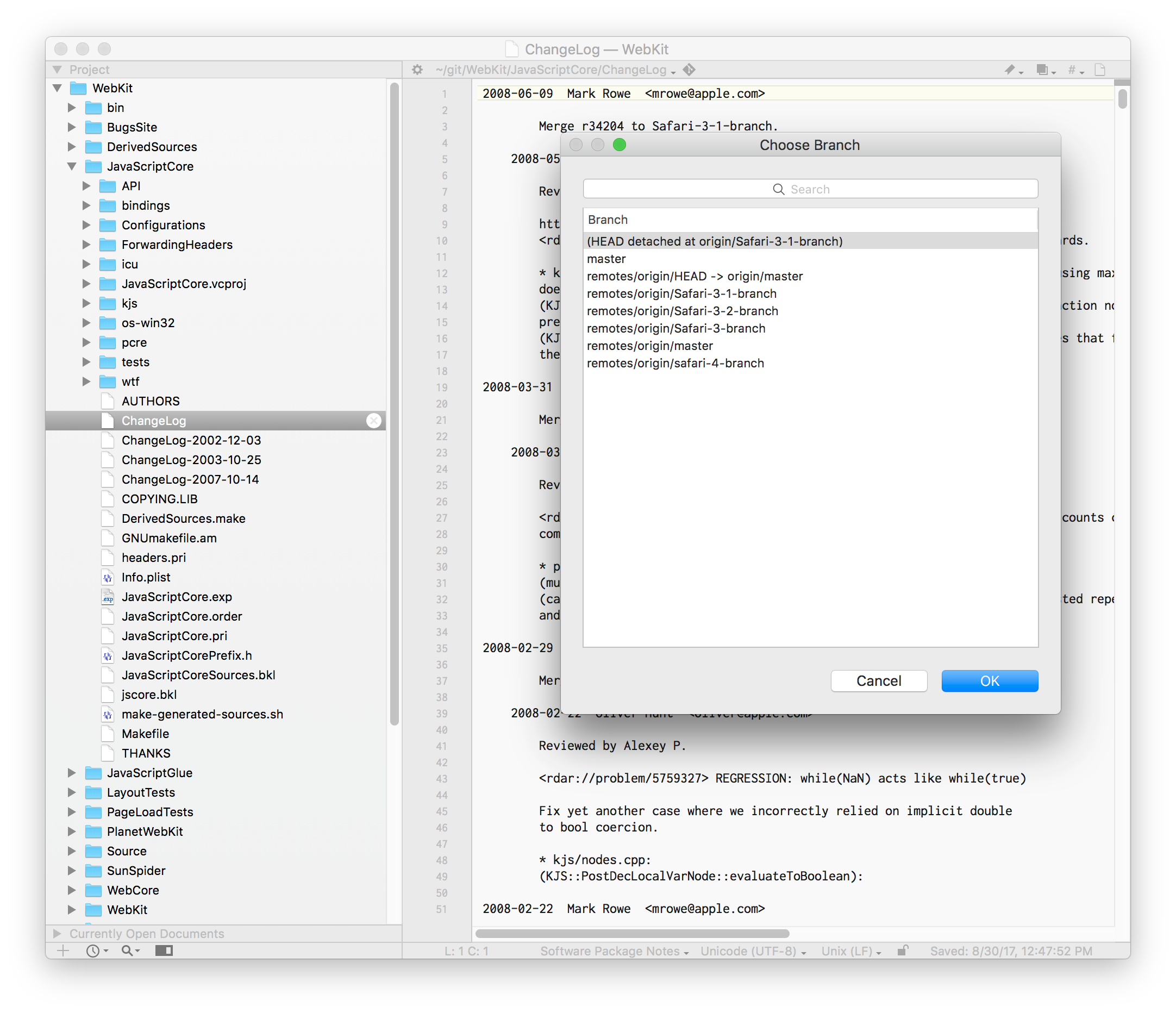
Finally, the built-in support for version control systems uses BBEdit’s editing environment for writing the comments included when committing changed files.
bbdiff
The bbdiff command-line tool allows you to invoke BBEdit’s powerful “Find Differences” command from the Unix command line. You can even configure Subversion, Perforce, and Git to use BBEdit to view the differences between file revisions.
bbresults
Many Unix tools and scripts generate output that references specific file and line positions (for example, compile errors). The bbresults command-line tool allows you to present this output in a easy-to-navigate GUI results window within BBEdit.
Shell Worksheets
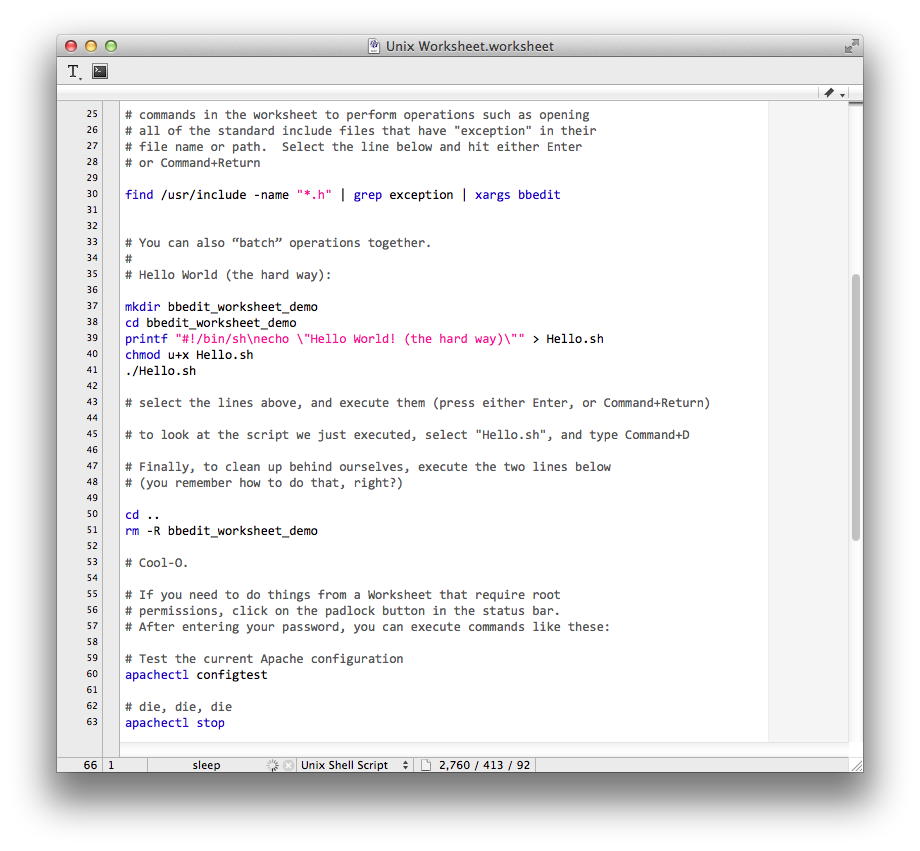
BBEdit’s Shell Worksheets are much more than a terminal — they’re the best of both the shell and BBEdit! Enter and run Unix commands from within BBEdit, while applying BBEdit’s editing power to prepare commands, or slice & dice the output. Take advantage of the application’s central Unix Worksheet to keep it all in one place, if you like; or create your own worksheet documents. Every BBEdit project carries its own worksheet as well, for added convenience.
Find out what’s new in BBEdit 15. Or check out the full feature list.


